![arborgold-logo-@250px copy.png]](https://help.arborgold.com/hs-fs/hubfs/arborgold-logo-@250px%20copy.png?height=40&name=arborgold-logo-@250px%20copy.png)
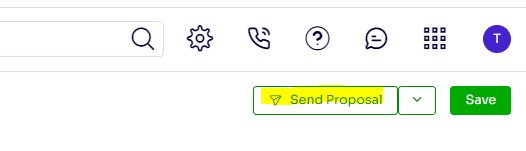
Open the Job screen of the job you want to send and click Send Proposal at the top right corner.
Select the Proposal format, Template (optional), Email Template (optional) or type your subject and email body
Click Send Email at the top right corner
Once the email processes the Email Status will open and display if the email sent or failed
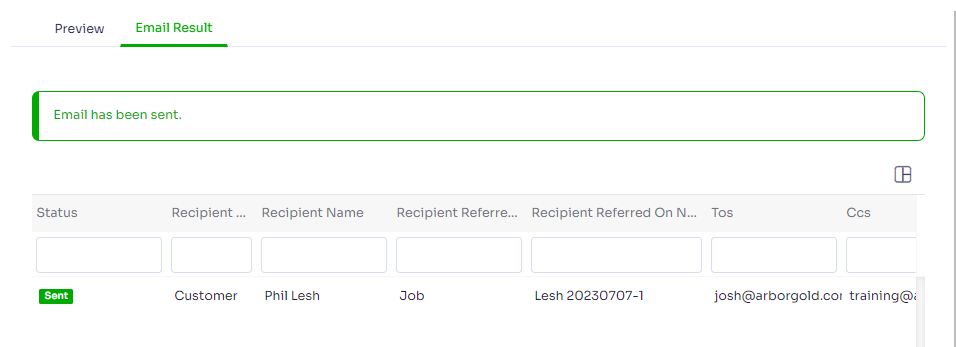
Note: If your email fails to send, check your email user settings, or alternatively you can contact our support team.
Last Modified by Josh Hughey 7/10/2023